DESK SETUPS
Three ways to set up a desk
Start with the people, equipment and lighting the room needs to accommodate.
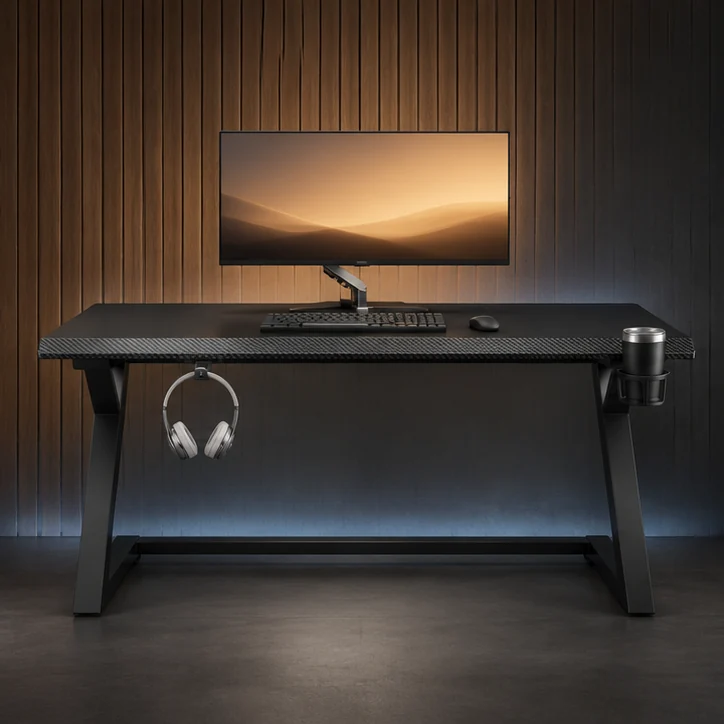
SOLO GAMING
Set up a one-person gaming station
Position your main screen, keyboard and mouse first. Then place the headset, drink and controller where you can reach them.
- Mouse areaCheck that the mouse mat and mouse movement stay clear of speakers and the cup holder.
- Computer positionUse the ventilation openings and cable direction to decide whether the computer fits best on or beside the desktop.
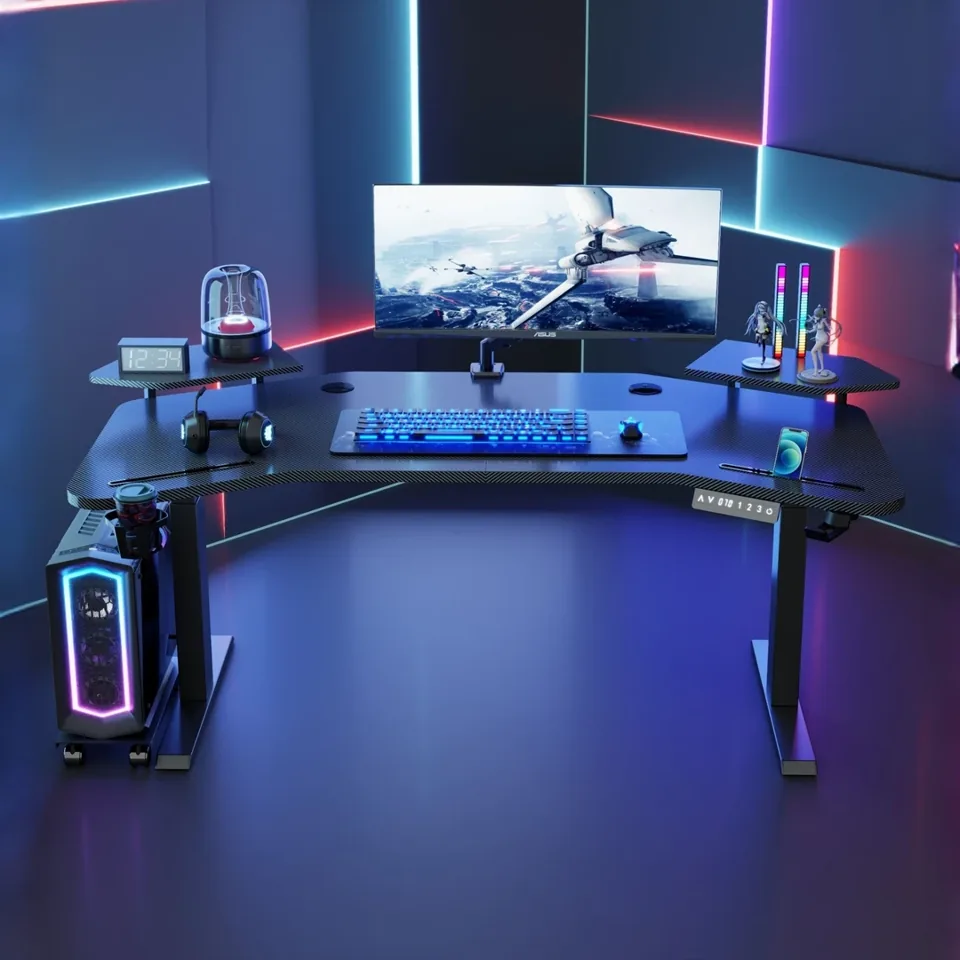
SHARED SETUPS
Give both users enough space
Mark out both sets of equipment and chair positions. A shared desktop moves as a single surface, so confirm a working height that suits both users.
- Chair movementPull each chair back as if standing up and check whether the other user can pass.
- Shared equipmentPlace common power connections and speakers before dividing the tabletop into two work areas.
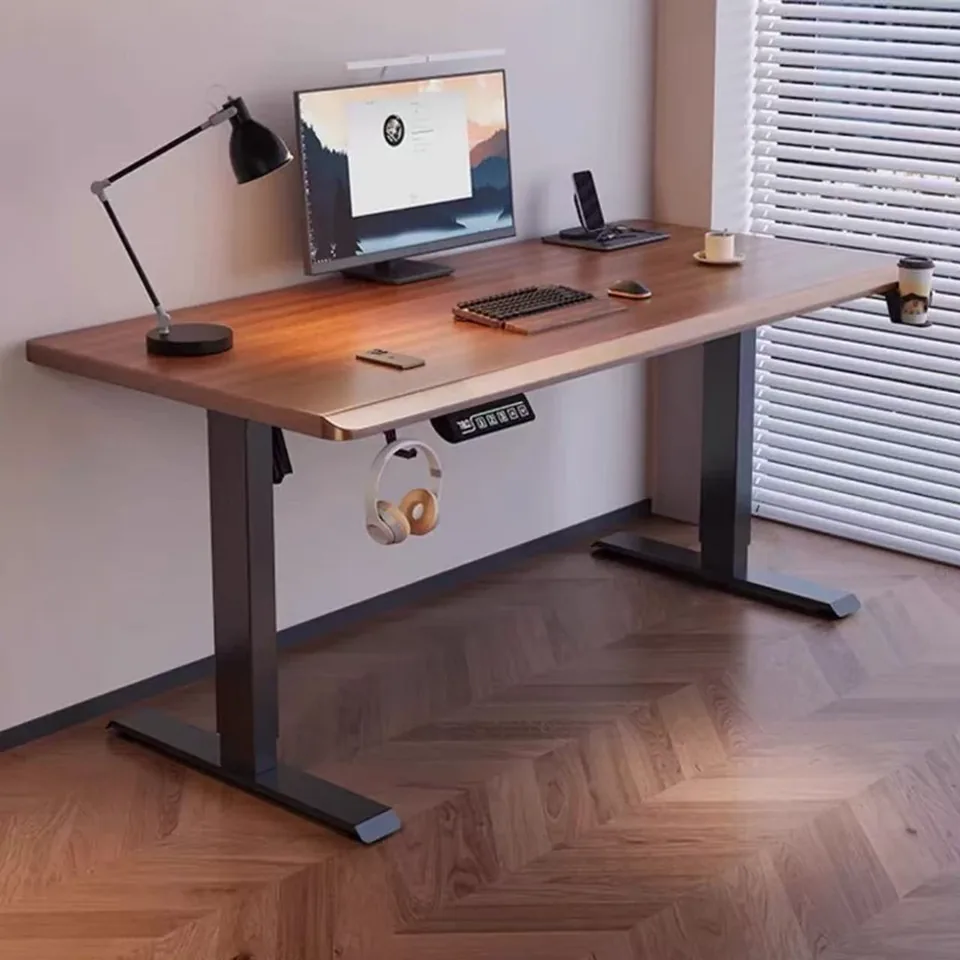
HOME OFFICE
Make space for focused work
Position the monitor, then give the keyboard and paperwork separate spaces. Check cables, shelves and windowsills if you plan to use the desk standing up.
- Work surfaceSet aside space for your usual notebook or folder without crowding the keyboard.
- ClearanceMark where the desktop and monitor will sit at the top of the lifting range.
Measure the room and equipment
Use the buying guide to take the measurements that will help narrow down your shortlist.